
Internal Onboarding Email Course Design Guide
Design an internal onboarding email course that matches production: grounded runbooks, approval gates, diagrams, and measurement beyond open rate.

Muhammad Abdul Sami
· 10 min read
- Onboarding
- Learning
- Internal Tools
- HITL
An internal onboarding email course should make a new hire dangerous in the right ways: they can find the runbook, run the safe command, and know which action still needs a human. It should not be a culture slideshow split into fourteen messages, and it should not be the public docs with the word “welcome” on top.
Email works because new hires already live in it, because you can sequence prerequisites, and because a five-issue course is finishable. It fails when the content is stale, when diagrams show a retired service, or when HR and on-call share a drip. This guide is the production version.
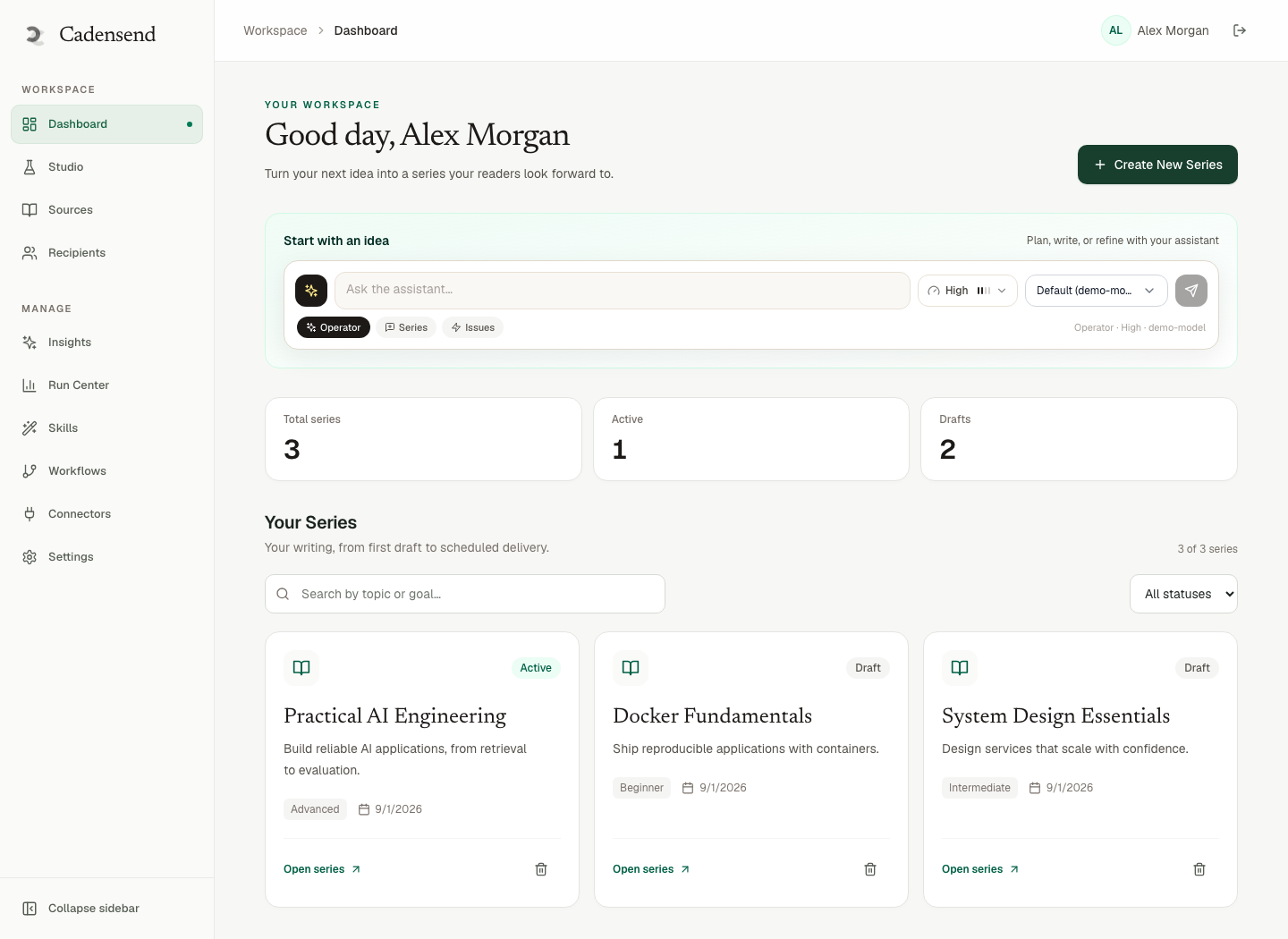
Cadensend is how we author that kind of series: learning goal, validated plan, sources, review, exactly-once send. MIT open source, self-hosted, no hosted signup. Not ConvertKit. Not a bulk sender. GitHub.
Key Takeaways:
- Onboarding email is a team learning series with rotating learners. Treat it as shared operational truth, not as a founder newsletter.
- Ground every issue in runbooks, ADRs, and the repo — not in last year's slide deck.
- A domain owner who gets paged must review AI-generated lesson content before send.
- Dangerous actions stay behind HITL approval gates; the course should teach the gate, not bypass it.
- Re-hash sources weekly or you will onboard people onto a system you already replaced.
- Measure shadow-duty tasks, not whether they opened issue 1.
Table of Contents:
- What onboarding email is for
- Curriculum shape: five tracks, not one blob
- Sources, secrets, and what never goes in email
- HITL: teach the gate, don't email the credentials
- Diagrams and client reality
- Cadence, cohorts, and exactly-once
- Cadensend for internal teaching ops
- Measurement and the first 30 days
- Frequently Asked Questions
What onboarding email is for
Onboarding email is for procedures and mental models that must be identical across hires: how we deploy, where the truth lives, what “done” means for a ticket, which Slack channel is a trap.
It is not for:
- Compensation, performance, or personal HR cases
- Secrets, API keys, VPN one-time codes
- A full handbook dump
- Motivational quotes from the founder (put those in issue 0 if you must, then stop)
If you want culture, a live conversation beats a sequence. If you want “here is how we page,” email plus a diagram plus a staging exercise beats a 90-minute Zoom that nobody records well.
The audience is rotating. That makes this a team series, not a personal one. The reviewer is not the new hire. The reviewer is the person who will be woken up if the lesson is wrong.
Founder-to-customer teaching is a cousin — see founders teach customers with email curricula — but internal courses can name internal services. They still cannot name passwords.
HinterBuild about work on this is unromantic: we would rather a new engineer get a correct five-issue series than a branded academy. Contact if you want the control plane. The plumbing is backend API engineering.
Curriculum shape: five tracks, not one blob
One mega-series titled “Onboarding” will mix laptop setup with Kafka. Split:
| Track | Outcome | Owner |
|---|---|---|
| Access & tools | Accounts requested, laptop baseline, where docs live | IT + manager |
| How we ship | Dev → staging → prod path, flags, rollback | Platform |
| How we know | Dashboards, logs, what “red” means | Observability |
| How we page | Severity, who, what not to do at 3am | On-call rotation lead |
| How we change truth | ADRs, runbook PRs, course update ritual | Eng manager |
Each track is five to eight issues. Cadensend plans one learning goal at a time. That constraint is a feature. Coverage and prerequisite checks belong inside a track, not across a 40-issue blob.
Issue 1 of “How we page” should not assume issue 7 of “How we ship” unless you say so in the brief. HITL AI written courses start with a validated plan for this reason.
A week-1 mail calendar that has worked for us (adjust for timezone):
- Day 1: Access track issue 1 + “where the wiki actually lives.”
- Day 2: Ship track issue 1 (dev → staging only).
- Day 3: Observability: the three dashboards that matter this week.
- Day 4: Paging: severity definitions and who not to @channel.
- Day 5: A staging task, then a day with no mail so they can pair.
If the hire is an engineer who still thinks in interview diagrams, point them at a personal system-design series after they finish the paging track. Teaching them “how Netflix might do it” before they can find your runbook is how seniors cause unique incidents.
Actions must be staging-safe: “Open the runbook section X and paste the heading back,” “Run the read-only diagnostic,” “File a dummy PR that adds your name to the on-call shadow calendar.” Not “restart prod.”
Sources, secrets, and what never goes in email
Ingest:
- Runbooks
- ADRs
READMEs that are actually maintained- The paging policy
- The deploy playbook
Do not ingest:
.envexamples with real hosts that are actually prod- Customer data dumps
- Unredacted postmortems if they contain PII
- Slide decks with outdated topology
Cadensend hashes content and cites structure. When the runbook moves, you keep the course updated. Weekly ritual. Dangerous stale (auth, IAM, payment runbooks) should page a human.
Never put secrets in the issue. Teach the password manager path. Teach the break-glass procedure as a description of the gate, not as the current credential.
Retrieved PDFs can contain prompt-injection. Cadensend treats retrieved text as data, never as instruction. You should still sanitize. See OWASP LLM Top 10 and our prompt injection guide. Hallucinated “standard” IAM commands are how you cause incidents in week one.
Redact prompts and source text from logs. Cadensend does. Your Slack export of drafts should too.
HITL: teach the gate, don't email the credentials
Onboarding is a good place to explain human-in-the-loop agents because new hires will otherwise assume ChatGPT can merge to main.
Teach:
- Which actions are autonomous (lint, unit tests)
- Which are review-after (docs typos)
- Which are approve-before (prod deploys, data deletes, customer mail)
- Where the button lives
The course itself should be HITL: AI may draft, domain owner approves, send is software. Cadensend's awaiting-review state is the template. Do not auto-send a regenerated IAM issue because the model “fixed tone.”
Locks: approved onboarding issues must not evaporate when someone improves the planner prompt. Regeneration is how you get two parallel truths. See HITL written courses.
If you use coding assistants during onboarding, point hires at OpenClaw vs Claude Code and the ChatGPT daily cheat sheet with an explicit rule: no secrets in prompts, no prod commands from chat.
Diagrams and client reality
New hires will read on phones and on Outlook. Follow diagrams in email: SVG vs PNG. PNG in the inbox. Spec in git. Alt text is the lesson if images are blocked on the corporate client.
Internal diagrams may show internal names. Still avoid color-only encoding. Still one concept per figure: the deploy path or the page path, not both.
If the diagram includes a service that was decommissioned, the issue is stale. That is a maintenance fail, not a design fail.
Cadence, cohorts, and exactly-once
Start the series on day 1, not when the manager remembers. A cohort owner (usually the manager) kicks issue 1. The model does not.
Cadence: daily is too much with meetings. Every other weekday works. Timezone: local morning for the hire, not HQ. Cadensend stores UTC plus IANA zone so DST does not shift “9:00.”
Exactly-once: new hires who receive issue 3 twice will skip everything. Cadensend keys delivery on workspace, issue, recipient, version, and writes the record before the provider call. If you roll your own, read idempotency and SKIP LOCKED.
Cadensend is not a bulk HR blaster. Current design: verified recipient. For a real company, you still need your existing identity and mail path, plus consent if anything leaves staff. Do not confuse teaching ops with a 4,000-person newsletter. Not ConvertKit.
Reducing LLM costs matters because every new hire should not trigger a full uncached regen of the track. Generate once, lock, reuse the approved version, stale only on source hash changes.
Cadensend for internal teaching ops
Use Cadensend to:
- Capture the brief (audience: new backend engineer, week 1)
- Validate plan coverage
- Ingest runbooks
- Draft issues with citations
- Review in Content Studio
- Lock
- Send the approved version on a schedule
Do not use it to:
- Push phishing-style “click to keep your account” mail
- Replace SSO provisioning
- Autonomously email the company
Self-hosted means onboarding content stays in your boundary. MIT means you can audit the writer graph. Product: Cadensend.
Roadmap later includes roles, SSO, SCIM, audit export — the company update. If you need that tomorrow, you are buying an LMS, not cloning a curriculum engine. Be honest with HR.
Implementation help: contact HinterBuild. Agents around the edges: AI agent development, still without unsupervised send.
Measurement and the first 30 days
Open rate tells you mail arrived. It does not tell you the hire can deploy.
Better checks, aligned with measure whether an email course taught:
- Shadow on-call for a week without a self-inflicted incident
- A staging deploy with rollback practiced
- They file a runbook fix (proves they found the source of truth)
- They answer a two-question quiz issue in their own words
Compare two hires. If they diverge wildly, the course is ambiguous. Team series require shared answers.
Capture one artifact per track: a screenshot of the staging deploy output, a sketch of the page path, a link to their runbook PR. Store those next to the issue version they received. When the course changes, you will know which cohort saw which truth. That is how you measure whether an email course taught without pretending open rate is competence.
Managers should not skip the course “because they are senior.” Senior hires cause unique incidents by applying a previous company's failover. Make a short “experienced hire” track with the same paging and deploy truths and fewer laptop issues.
Frequently Asked Questions
Is an email course enough for internal onboarding?
It is enough for shared procedures and mental models. It is not enough for relationships, pairing, or access provisioning. Use email for the repeatable spine. Use humans for the rest.
Should HR own the onboarding email course?
HR can own the access-and-tools track. Engineering must own ship, observability, and paging tracks. Mixed ownership is how you get a paging lesson with no severity definitions.
Can we use Cadensend to email every new hire automatically?
Cadensend is a self-hosted curriculum engine, not a bulk HR platform and not ConvertKit. MVP delivery is a verified recipient. Use it to author and review; connect to your existing staff mail with identity controls.
How do we stop the course from rotting?
Weekly source re-hash, cited-span stale flags, domain-owner review, locks. See keep course updated when sources change.
What if a lesson tells someone to do something unsafe?
Treat it as an incident. Pull the issue (errata), fix the source, re-review. Teach the approval gate rather than a bypass. This is why send is HITL.
Do we need diagrams in onboarding email?
Yes for paths (deploy, auth, paging). PNG with alt text. Spec in git. Corporate Outlook will not save your SVG.
How is this different from a wiki?
Wikis are pull. Email is push with sequence. The wiki remains the source of truth; the course is a guided path through it with citations. If they disagree, the wiki wins and the course is stale.
Conclusion
- Split tracks so paging is not mixed with laptop stickers.
- Ground in runbooks, never in secrets or slide decks.
- Domain owners approve; models draft; software sends once.
- Weekly source hashes or you onboard onto yesterday's system.
- Cadensend is MIT, self-hosted teaching ops for that loop — not a bulk sender.
Need an internal curriculum control plane? Contact HinterBuild. About · LinkedIn.
Free consultation
Book a free consultation call on internal onboarding email courses
30-minute call with the HinterBuild team. Discuss your project, architecture questions, or next steps — no obligation.
Book a meeting
Keep reading
Related articles
Teach Yourself System Design by Email
A self-study system design email series: spaced issues, diagrams that survive the inbox, source citations, and review so you do not learn fiction.
Read post
Open Source Email Course Platforms Compared
Compare open source email course platforms vs Cadensend: MIT curriculum engine, self-hosted, cited lessons, no hosted signup, not a bulk ESP.
Read post
Measure Whether an Email Course Actually Taught
Measure email course learning with tasks, quizzes, and cohort diffs — not open rate. Pair evidence with HITL review and source-grounded issues.
Read post
Curriculum Design for Email Modules and Prerequisites
Curriculum design for email modules means validated plans, prerequisite order, locked issues, and Cadensend’s Plan stage before any grounded send.
Read post