
Email Learning Cadence and Timezone That Gets Read
Set an email learning cadence and timezone that gets read: local send instants, DST-safe IANA zones, and a Postgres queue that never double-sends.

Muhammad Abdul Sami
· 12 min read
- Learning
- PostgreSQL
- Scheduling
An email learning cadence and timezone that gets read is local, boring, and durable. People open mail in a rhythm tied to a city, not to UTC. HinterBuild's Cadensend is an open-source MIT email curriculum engine that plans a series from your sources, then schedules issues with the UTC instant stored beside the original IANA zone. Self-host it. There is no hosted signup. The MVP sends only to your verified address. It is not CRM, marketing automation, or a bulk sender.
This guide covers cadence choice, timezone and DST, quiet hours, and why a Postgres queue with skip-locked workers is part of "getting read." A perfectly written issue that arrives twice at 3 a.m. is unread noise. Clone Cadensend on GitHub. Scheduling side effects is backend API engineering; the content still needs RAG so the mail is worth opening.
Key Takeaways:
- Cadence is a curriculum decision: daily, weekday-only, or three times a week — pick what you will protect.
- Store the UTC timestamp and the IANA timezone the learner chose; never schedule in server local time.
- DST must not silently shift "7:00 local" because you persisted only an offset.
- Cadensend delivers exactly once via a Postgres queue; MVP recipient is your verified address only.
- Open rates follow habit. Match the series to an existing morning or commute ritual.
- Self-hosted MIT software. No hosted Cadensend signup, no list blasting.
Table of Contents:
- Why Learners Ignore Perfectly Good Issues
- Cadence as Curriculum, Not Marketing
- IANA Timezones, UTC Instants, and DST
- Choosing a Send Window That Survives Real Life
- The Queue Behind a Trustworthy Cadence
- Worked Schedule: 18 Issues Over Six Weeks
- Measuring "Got Read" Without a Marketing Stack
- Frequently Asked Questions
Why Learners Ignore Perfectly Good Issues
Short answer: Arrival time fights the rest of the inbox. Duplicate arrival destroys trust.
Nielsen Norman Group's research on email newsletter usability keeps landing on scanability and respect. A learning series has a higher bar: you asked someone (often yourself) to practice. If issue 4 lands at midnight because the worker used TIMESTAMP WITHOUT TIME ZONE in UTC-minus-something, the issue is competing with alerts.
The second killer is duplicates. After a deploy, an in-memory cron replays. You get two copies of "Day 3: error wrapping." You mute the sender. Exactly-once delivery is part of cadence. See exactly-once email delivery for courses, idempotency, and PostgreSQL FOR UPDATE SKIP LOCKED.
Cadensend's product contract is narrow: one learning goal, grounded issues, reliable single delivery. Read the product page. HinterBuild's about page is the studio; we did not ship a growth ESP.
Ungrounded content also gets ignored after one wrong API. Pair cadence with grounded AI writing and avoiding educational hallucination. Retrieval quality is why RAG returns garbage and embeddings.
Cadence as Curriculum, Not Marketing
Short answer: Spacing and load, not open-rate A/B tests.
The spacing effect supports gaps between practice. A 30-issue daily series (learn programming by email in 30 days) is aggressive. Three issues a week for ten weeks is often the series people finish. Cadence belongs in the plan: the planner should not emit 40 dense modules for a twice-weekly send without shrinking issue scope.
| Cadence | Fits | Breaks when |
|---|---|---|
| Daily | Short drills, language syntax | Issues need 45 minutes of coding |
| Weekdays | Office-hour learning | Weekends were the only free block |
| 3× weekly | Docs-to-curriculum, design reading | You promised "30 days" marketing copy |
| Weekly | Deep modules, capstones | You forget the thread between sends |
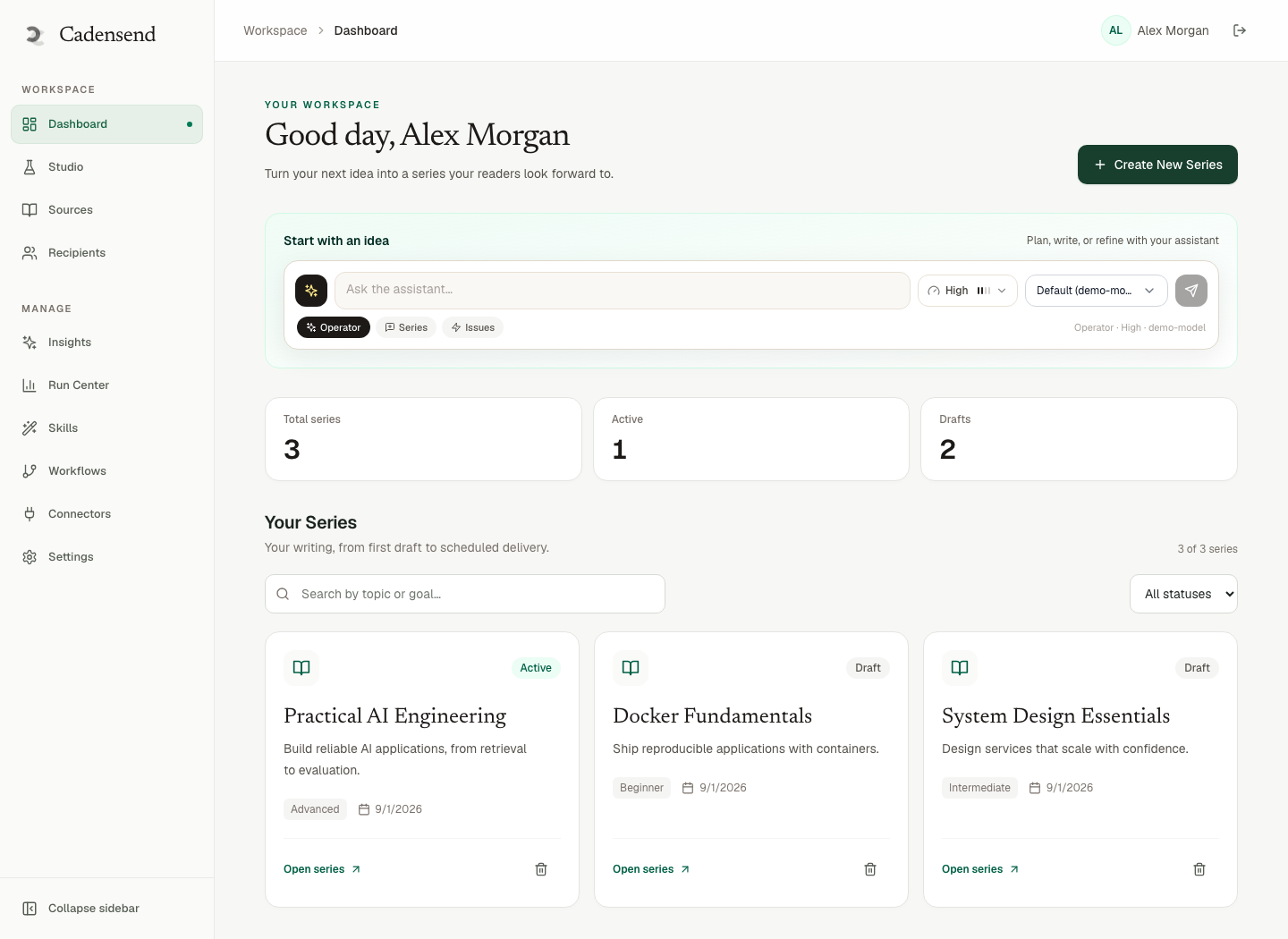
Cadensend captures cadence up front in Create Series, alongside timezone and tone. Plan Studio lets you reorder issues when the calendar is wrong — for example, moving a capstone off a public holiday. That is curriculum design for email modules, not a drip campaign in a CRM.
Do not confuse cadence with list-growth sequences. Cadensend is not a bulk sender. MVP: verified address only. A personal knowledge email series and docs-to-email curricula use the same scheduler with different corpora.
IANA Timezones, UTC Instants, and DST
Short answer: Persist timestamptz for the instant and a separate IANA name for intent.
The IANA Time Zone Database is the source of truth for civil time. "UTC−5" is not a timezone; it is an offset that lies twice a year in most US zones. If you store "send at 12:00 UTC" because 07:00 Eastern happened to be that offset in January, March will be wrong.
Cadensend stores the UTC instant beside the original IANA zone so existing schedules keep local intent across DST. New issues use the same zone string (Asia/Karachi, America/New_York, Europe/Berlin). Do not infer zone from IP on each send; the learner chose a zone when creating the series.
PostgreSQL's timestamptz stores an instant. The zone name is metadata for display, rescheduling, and DST. Our backend API reviews fail designs that convert to server local time in the worker.
Practical rules:
- Capture zone from an explicit picker, not
new Date()in a browser without zone. - Materialize the next send as UTC in the job row.
- On DST transitions, recompute from local wall time + IANA, not from "add 24 hours to last UTC."
- Never run the scheduler in
TIMEZONE=America/Los_Angeleson the host and assume that is the learner.
This is why "email learning cadence timezone" is one problem, not two. Cadence without zone is a UTC lottery. Zone without cadence is a single alarm.
Choosing a Send Window That Survives Real Life
Short answer: Attach the series to a ritual you already keep.
For a personal series, 06:30–07:30 local on weekdays beats "whenever the LLM finished generating." Generation should complete before the window. Cadensend's engineering targets include scheduler claim lag and approved-send lag; the point is that approval and send are separate states. You do not generate at 06:59 and hope.
Quiet hours: if you travel, you change the IANA zone on the series rather than pausing forever. Missing a day should not dump a backlog of five issues at once unless you explicitly catch up. Burst send is how learning email becomes spam.
Subject and preheader are part of "gets read." Cadensend's editorial workspace edits those fields without regenerating the body. Keep subjects boring and specific: "Day 6: wrapping errors in Go," not "You won't BELIEVE this trait." That tone matches grounded writing, not growth newsletters.
If the issue is wrong, you will not open issue 7. Citation quality is LLM hallucination. Source ingestion is documentation to email curriculum and courses from a GitHub repo.
The Queue Behind a Trustworthy Cadence
Short answer: Durable jobs, skip locked claim, delivery row before provider.
A timezone-correct timestamp in a spreadsheet still double-sends if the worker has no lease. Cadensend claims work with FOR UPDATE SKIP LOCKED so two replicas cannot send the same issue. The skip locked pattern is the implementation. The idempotency guide is the design rule: keys on workspace, issue, recipient, and version.
Write the delivery record before the HTTP call to the email API. If the process dies after the provider accepted the message, retry must not create a second message. That is exactly-once course delivery. HinterBuild backend engineering treats this as non-negotiable for anything that emails humans.
Provider webhooks (bounces, complaints) must be signature-checked and replay-protected before they mutate state. Cadensend's security notes cover verified webhooks. You still only email a verified address in MVP.
Compare this to open source email course platforms: most mailers optimize campaigns. Cadensend optimizes a syllabus clock.
Embeddings and retrieval do not belong in the scheduler. Keep Plan/Ground/Write off the send path. A slow embedding rebuild must not delay 07:00. That separation is also how we structure RAG LLM systems.
Worked Schedule: 18 Issues Over Six Weeks
Short answer: Three weekday mornings, IANA zone fixed, locks after week 1.
Goal: read internal API guidelines (docs site + two ADRs) well enough to review PRs. Corpus via docs-to-email. Cadence: Monday, Wednesday, Friday at 07:15 Europe/Berlin.
Week 1 generates and you lock issues 1–3 after editing. Weeks 2–6 generate against the locked plan. If you change the zone after a trip, future jobs recompute; already-sent issues stay sent (exactly once).
If Friday is a holiday, skip in Plan Studio rather than sending into an empty office (even if the only reader is you — habits follow calendars). Catch-up is a single extra issue next week, not a Saturday burst.
This schedule also works for a personal knowledge series and a 30-day programming track (which would use daily cadence and a shorter issue length).
Measuring "Got Read" Without a Marketing Stack
Short answer: In MVP, you are the metric. Opens-on-phone and whether you did the exercise.
Cadensend's later roadmap mentions analytics, public archives, and opt-in audiences — after consent and suppression. Do not invent pixel-based list analytics for a product that does not send lists yet. For yourself: did you open it, did you click a citation, did you write the code?
If you self-host and add logging, redact source text and prompts. Identifiers for tracing are enough. That is Cadensend's logging stance and good backend hygiene.
When issues are unread, the cause is usually time, length, or trust (a hallucinated snippet last week). Fix educational hallucination and RAG quality before you shift the send 15 minutes.
Curriculum prerequisites also affect open rates: issue 8 that assumes issue 12's vocabulary feels like noise.
Frequently Asked Questions
What email learning cadence and timezone should I pick?
Pick a local window you already occupy (commute, first coffee) and a frequency whose issue length you will finish. Persist the IANA zone plus UTC instant. Default guess: weekday mornings, 10–12 minute issues.
How does Cadensend handle daylight saving time?
It stores the UTC instant next to the original IANA timezone so local intent survives DST. Do not persist a raw offset as if it were a zone. See the Cadensend product delivery pillar.
Can I send the same cadence to a class mailing list?
Not in MVP. Delivery is to your verified address only. Opt-in audiences are a future update gated on consent, suppression, and unsubscribe. Cadensend is not a bulk sender.
Why not use server cron in my laptop's timezone?
Laptops sleep. Deploys reset in-memory timers. Two replicas double-send. Use a durable Postgres queue and skip locked claims, as in exactly-once delivery.
Should generation happen at send time?
No. Generate and approve earlier. Send should be a dumb, idempotent job. Mixing LLM latency into 07:00 is how you miss the window and then retry unsafely.
Does cadence belong in the prompt?
Cadence belongs in series configuration and the planner's issue count, not in a prose prompt. Prompts should not invent extra days. That is a curriculum concern.
Is there a hosted scheduler I can sign up for?
No. Cadensend is self-hosted MIT software. Clone the GitHub repo. There is no hosted signup.
Who can help implement timezone-correct job queues?
Contact HinterBuild about email cadence and timezone scheduling. Context: about, backend API engineering, RAG systems.
Conclusion
An email learning cadence and timezone that gets read is a local ritual, a real IANA zone, DST-safe instants, and a queue that cannot double-send.
- Choose frequency from issue length and the spacing effect, not from marketing folklore.
- Persist UTC + IANA, never server local time.
- Approve content before the window; send is a side-effecting job.
- MVP: you, verified, self-hosted. No lists.
Run Cadensend from GitHub, or schedule a consultation. More about HinterBuild.
Connect with Abdul Sami on LinkedIn.
Free consultation
Book a free consultation call on email cadence & timezone scheduling
30-minute call with the HinterBuild team. Discuss your project, architecture questions, or next steps — no obligation.
Book a meeting
Related Articles
- Personal Knowledge Email Series From Notes
- Learn a Programming Language by Email in 30 Days
- Exactly-Once Email Delivery for Courses
- Turn Documentation Into Email Curriculum
- Open Source Email Course Platforms
- Technical Email Course From a GitHub Repo
- Grounded AI Writing for Newsletters
- Avoid AI Hallucination in Educational Content
- Curriculum Design for Email Modules and Prerequisites
Keep reading
Related articles
Exactly-Once Email Delivery for Courses
Exactly-once email delivery for courses: Postgres skip-locked queues, pre-provider records, and idempotent keys so a retry never double-sends a lesson.
Read post
Personal vs Team Learning Series by Email
Choose personal vs team email learning series by audience, review, cadence, and delivery — without turning teaching ops into a bulk newsletter.
Read post
Turn Documentation Into Email Curriculum
Turn documentation into an email curriculum with structure-aware ingestion, cited issues, prerequisite checks, and self-hosted delivery to you only.
Read post
Teach Yourself System Design by Email
A self-study system design email series: spaced issues, diagrams that survive the inbox, source citations, and review so you do not learn fiction.
Read post