
Preheaders for Learning Emails and Opens
Preheaders for learning emails complete the subject with outcome and source. Cadensend stops the preview from becoming leftover HTML.

Muhammad Abdul Sami
· 12 min read
- Email Preheaders
- Open Rates
- Learning
- Cadensend
Preheaders for learning emails are the second line in Gmail, Apple Mail, and Outlook — the preview snippet after the subject. If you leave them blank, clients grab the first words of the HTML, which might be a nav, a tracking pixel alt, or “View in browser.” That wastes the only extra sentence Future You reads on a lock screen. Cadensend is HinterBuild’s MIT email curriculum engine: Plan, Ground, Write, Deliver. The editorial workspace treats subject and preheader as first-class fields. There is no hosted signup. MVP sends to your verified address only.
This post is for PKM-to-series writers who already care about grounded citations and exactly-once sends. Open rate is a noisy metric (image proxies, privacy features). For a personal syllabus, the preheader’s job is orientation, not dopamine. Clone the engine on GitHub. Architecture help: contact.
Key Takeaways:
- Write the preheader on purpose; never let the client scrape leftover chrome.
- Add information the subject did not already state (source, time-to-complete, prerequisite).
- Keep it honest: if the issue is grounded in your PDF, do not preview a famous paper you did not attach.
- Cadensend stores preheader on the issue version; a fix after send is a new version, not a duplicate MIME.
- Pair with subject lines for learning emails; filters read both.
Table of Contents:
- What a Preheader Is
- Preheaders vs Open Rates
- Formulas for Course Previews
- Grounding and Hallucinated Previews
- HTML, Plain Text, and Hidden Preheader Hacks
- Workflow in a Curriculum Engine
- Worked Preheaders and What Clients Show
- Frequently Asked Questions
What a Preheader Is
Short answer: It is preview text you author, usually injected at the start of the HTML (and ideally mirrored in the text part) so MUAs display it beside the subject.
Email clients show roughly 40–140 characters of preview depending on pane layout. Litmus’s preview-text guide remains a practical map of client differences. The industry nickname is “preheader.” It is not an RFC field like Subject:. It is a content convention.
If you send educational mail without one, you get:
Open the issue in your browser | Cadensend | Unsubscribe(you do not even have a list in MVP — do not invent that footer).- A raw URL from the first citation.
- “You are receiving this email because…” from a Kit template you copied.
Cadensend is not Kit or Ghost. Those products have template chrome that often becomes the preheader unless you override it. See ConvertKit vs Ghost vs Cadensend. A curriculum engine should emit a block AST → HTML where the first text node is the preheader you typed, then visually hidden if you do not want it repeated on-canvas — or shown as a kicker. Either is valid. Accidental chrome is not.
Transactional mail should not steal this pattern in a confusing way. A password reset preheader is the action (Expires in 15 minutes). A lesson preheader is the learning promise. Keep the streams distinct: transactional vs educational email.
Preheaders vs Open Rates
Short answer: Preheaders influence whether a tired human opens. They do not magically raise a privacy-broken open pixel.
Apple Mail Privacy Protection and Gmail image caching inflated and then wrecked open-rate as a KPI. For a course you send yourself, the pixel is almost comedy. Cadensend’s MVP has no audience analytics dashboard; later updates mention analytics only after consent hardware. Do not bolt a third-party tracker onto a personal syllabus — it makes the MIME look like bulk and hurts deliverability.
What does change behavior:
- Subject + preheader together answer “is this issue 6 or a promo?”
- Arrival time in local zone (timezone-correct scheduling).
- Not receiving issue 6 twice (idempotent sends).
If you still watch opens on a future list, treat them as directional. Completion of the objective is the real metric. HinterBuild’s RAG/LLM systems work is evaluated on task success, not on preview-text A/B theater.
A lying preheader (“includes a quiz”) when the issue has no quiz is how you train yourself — and later subscribers — to distrust the series. That is the educational version of clickbait. It also looks like spam.
Formulas for Course Previews
Short answer: Complements, not clones, of the subject.
Subject: Issue 4 — Render citations from chunk IDs
Weak preheader: Issue 4 — Render citations from chunk IDs (duplicate)
Stronger options:
| Intent | Preheader |
|---|---|
| Source hint | Uses your uploaded RFC notes, not a web browse. |
| Time box | About 8 minutes. One exercise: check a citation anchor. |
| Prerequisite | Assumes you finished issue 3 on scoped retrieval. |
| Correction | v2: fixes the broken heading link from Tuesday. |
| Boundary | No list blast — this is your verified-address series. |
Pick one intent. Two is the maximum. A preheader that tries to be a table of contents will truncate into nonsense.
Numbers help when true (“3 worked examples”). Fake numbers are hallucinations in the preview. If the writer model proposes a preheader, inspect retrieved context the same way you inspect the body (attach sources).
Voice: same as the series. If the plan tone is “plain, senior engineer,” do not preview like a funnel (wait till you see #3!!). Cadensend captures tone in the Create Series wizard; keep preheaders inside that tone.
Grounding and Hallucinated Previews
Short answer: The preheader is a claim. Claims need the same corpus as the body.
Models love punchy preheaders that name famous books. If that book is not in the series source library, you just advertised a hallucination. Body citations might be structurally gated; the preheader string might not be. Human-gate it.
This is the same family of bugs as LLM hallucination causes and fixes and garbage RAG. If embeddings retrieved the wrong PDF (embeddings guide), the model will proudly preview the wrong PDF. Prompting “write a catchy preheader” without RAG is the worst corner of RAG vs fine-tuning vs prompting.
Cadensend’s Ground pillar scopes queries to workspace and series before the vector store, then diversifies by source. Use that context panel in the studio when you edit the preheader. ChatGPT Projects will not show you a scoped retrieval trace; they are a studio, not a deliverability-safe syllabus (Projects vs email syllabi).
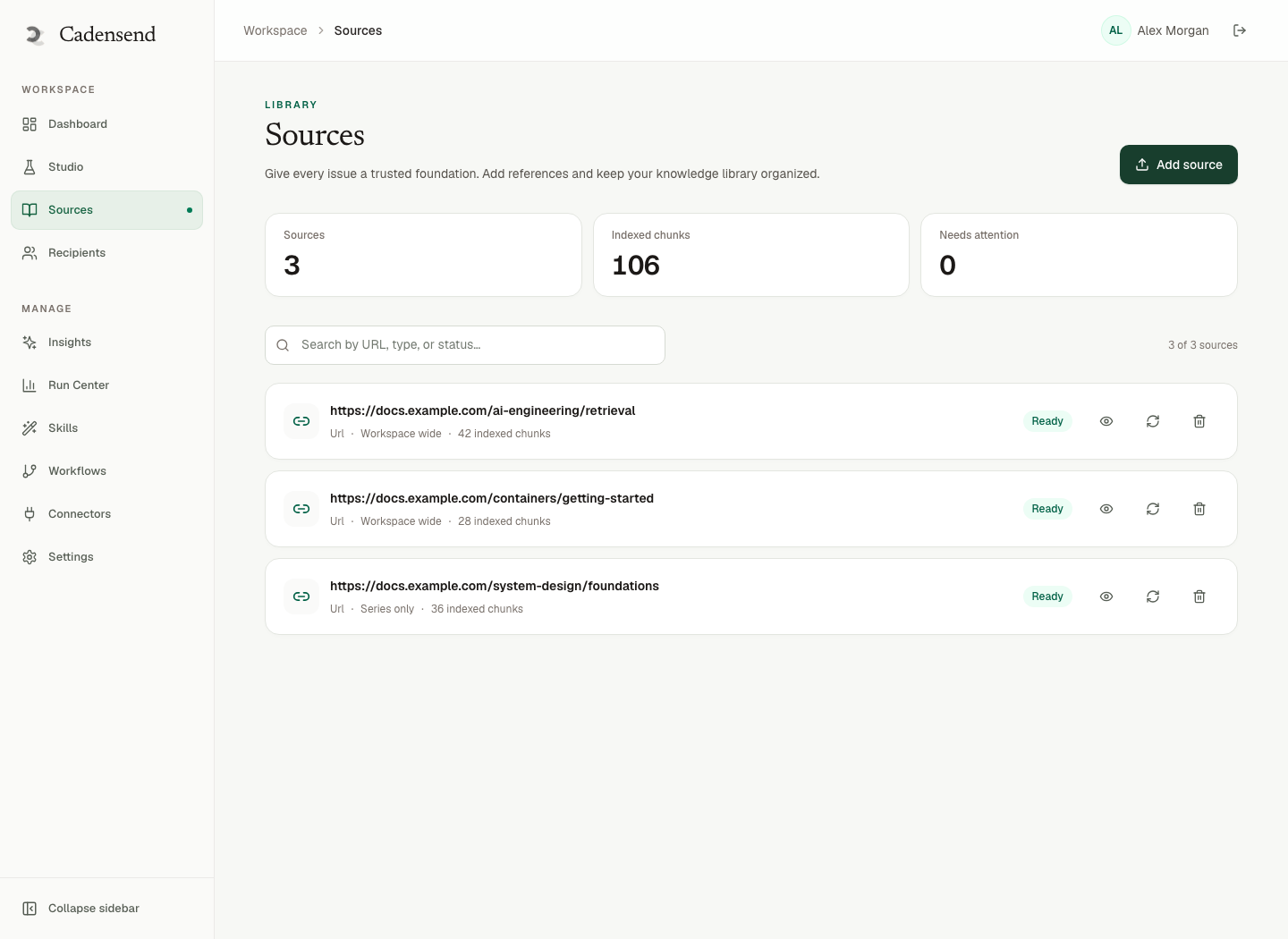
Figure 1: Preview text should only name sources that exist in this series’ library.
HTML, Plain Text, and Hidden Preheader Hacks
Short answer: Put the preheader in both the HTML (optionally hidden) and the text/plain part. Do not hide it with zero-font tricks that look like spam.
Old-school “preheader + 100 + hidden filler” was a way to stop clients from pulling footer text. Overdone filler is a spam signal. Prefer:
- Preheader as the first element.
- A short, real kicker visible in the email (“This issue: …”) so HTML-to-text still looks human.
- Multipart text generated from the same content tree Cadensend already renders — not a separate marketing template.
Image-only issues have no preview text. Cadensend’s writer returns structured blocks, not a raster. Diagrams are specs (Mermaid/D2) with required alt text — good for accessibility and for clients that snag alt as preview if you mess up order. Still author an explicit preheader.
Self-hosting (laptop course) does not change MIME rules. Your provider still transmits what you built. Hidden text stuffed with keywords (buy now cheap meds) is how people destroy domains. Educational stuffing (RAG embeddings vector citation syllabus) is only slightly less dumb.
Workflow in a Curriculum Engine
Short answer: Draft with the issue, lock with the version, send once.
Recommended loop:
- Plan validates coverage; issue 4’s objective is known.
- Generate body against retrieval.
- Write subject (learning subjects) and preheader as a pair.
- Diff against previous version if regenerating a section.
- Schedule in IANA zone with stored UTC instant.
- Deliver with write-ahead key: workspace, issue, recipient, version (distributed idempotency). Even at one user, the protocol matches system design at scale.
If you change only the preheader after send, bump version. Do not “retry” v1. Cadensend’s Run Center is for failed jobs with stable error codes, not for subject-line fidgeting.
Company context: About. Product: Cadensend. If you want this loop on an internal corpus, contact HinterBuild. Lead: LinkedIn.
Worked Preheaders and What Clients Show
Short answer: Author 80–100 characters, inspect on a narrow pane, and keep the on-canvas kicker aligned so HTML-to-text does not invent a second story.
Take issue 5 of a grounded series.
- Subject:
Issue 5 — Write the delivery row before SMTP - Preheader A (good):
Retries replay the original attempt; your inbox gets one copy. - Preheader B (duplicate):
Issue 5 — Write the delivery row before SMTP - Preheader C (lie):
Includes a live send to 10,000 readers.(MVP cannot; do not preview a list.) - Preheader D (hallucinated source):
From Postel’s Law as cited in Nature 2024.(If that paper is not in the library, you failed attach sources.)
On a phone, Gmail might show subject + ~40 characters of A: Retries replay the original attempt; y… — still useful. B shows nothing new. C trains you to expect a blast Cadensend will not send (comparison with Kit/Ghost). D is a spam-adjacent dead citation.
Desktop Outlook preview panes are wider; they will expose a too-long preheader’s second clause. If that second clause is Unsubscribe | View in browser | Copyright 2026, you copied an ESP layout. Cadensend’s renderer should not emit a fake unsubscribe for a one-person MVP. When audiences exist, unsubscribe must be real, not preview theater.
Multipart text: if the text/plain part starts with the lesson H2 instead of the preheader, some clients prefer text and you lose the preview you wrote. Generate text from the same AST, with preheader as the first paragraph. That also helps deliverability: a coherent text part is a bulk-filter signal that you are not image-only.
Dark-mode clients may ignore your hidden-preheader CSS. Visible kickers (This issue: one copy, even after a crash) are more robust than display:none plus 200-byte filler. Filler was a 2014 trick. In 2026 it looks like keyword stuffing.
Schedule still interacts: a perfect preheader at 3 a.m. local is unread. Timezone-correct scheduling is the other half of “open rates” for a personal course — and open rates remain a weak KPI once privacy proxies exist.
If you self-host (laptop), send a copy to Mailpit and screenshot the preview. That is a better test than guessing. ChatGPT Projects will not show a MIME preview (Projects vs syllabus).
Frequently Asked Questions
Do preheaders really affect open rates for learning emails?
They affect whether the preview looks like a lesson or like template junk. Pixel open rates are unreliable. For a personal course, orientation matters more than a leaderboard.
What length should a course preheader be?
Write a complete sentence that still makes sense if truncated around 70–100 characters. Front-load the new information.
Should the preheader repeat the subject?
No. Completing the subject is the whole point. Repeat only if you have nothing to add — then you need a better subject.
Can Cadensend auto-generate preheaders?
The writer can propose copy. You should check it against retrieved sources. Cadensend does not browse the web to invent a snappy quote.
Is a hidden preheader spammy?
A short hidden preview is normal. Giant hidden keyword blocks are a filter red flag. Keep filler minimal.
Does MVP Cadensend mail a list so I can A/B preheaders?
No. Verified address only, no hosted signup. Clone GitHub.
How do preheaders interact with spam filters?
Deceptive previews and leftover “unsubscribe” chrome look like bulk. Honest, source-true previews look like a person. See avoid spam filters.
Conclusion
- Preheaders for learning emails are authored preview text that complete the subject with outcome, source, or time box.
- Do not let MUAs scrape nav, pixels, or fake list footers.
- Ground the preview in sources you attached; never advertise a paper that was not retrieved.
- Cadensend edits preheader on the issue and sends exactly once per version.
- Open pixels are a weak KPI; completion is the point.
Ship the series with Cadensend from GitHub, or talk to HinterBuild. About · LinkedIn.
Free consultation
Book a free consultation call on email preheaders for courses
30-minute call with the HinterBuild team. Discuss your project, architecture questions, or next steps — no obligation.
Book a meeting
Keep reading
Related articles
Subject Lines for Learning Emails That Work
Subject lines for learning emails name the lesson outcome, not bait. Cadensend edits subject on the issue before an exactly-once send.
Read post
Spaced Repetition Email for Busy Professionals
Use spaced repetition email to keep knowledge from decaying. Design intervals, retrieval prompts, and a self-hosted course you finish.
Read post
Newsletter vs Email Course: Which Teaches?
Newsletter vs email course: which actually teaches? Compare cadence, objectives, citations, and retention for readers who already live in inbox.
Read post
Daily Email Course: Learn Anything From Sources
Build a daily email course from one learning goal and your own sources. Plan modules, cite claims, and deliver each issue exactly once.
Read post